

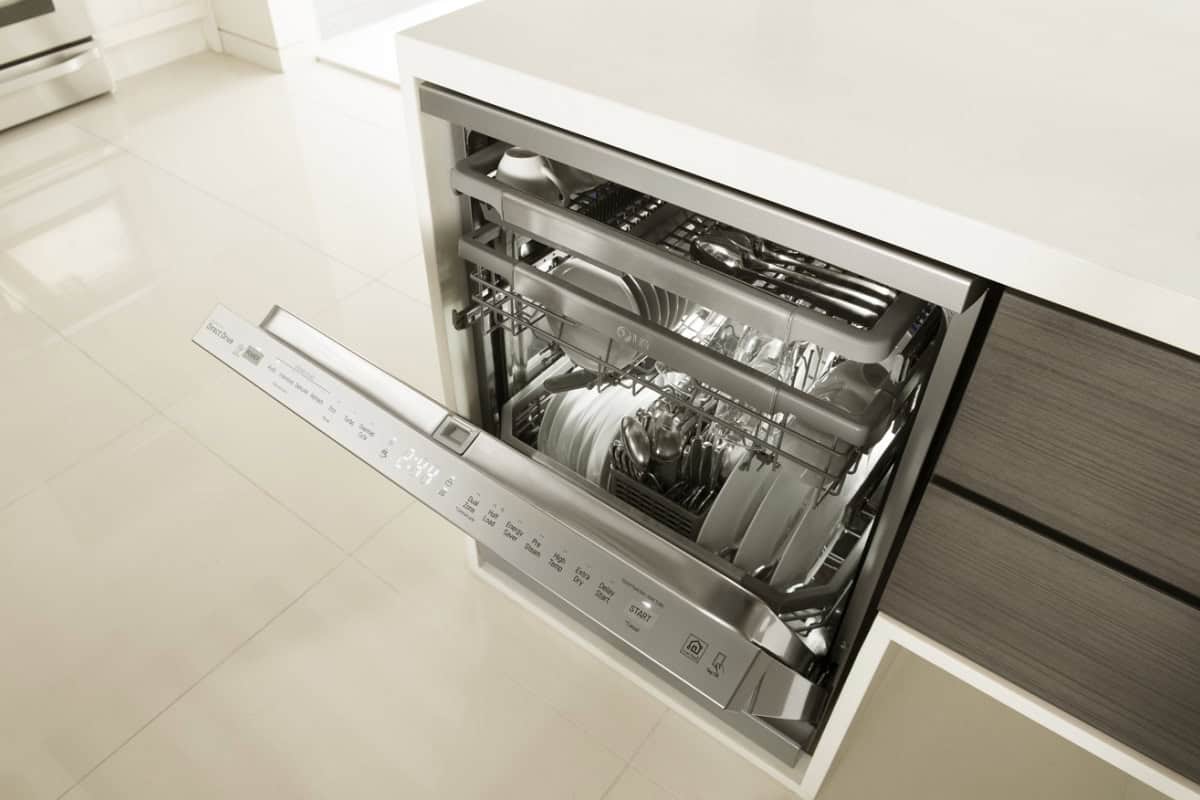
Waiting for your dishwasher to finish can be frustrating, especially when a cycle takes much longer than expected. An LG dishwasher taking too long to complete a wash cycle isn’t necessarily malfunctioning, but unusually long run times can indicate an underlying problem.
Modern LG dishwashers use energy-efficient features that sometimes extend cleaning cycles. However, dirty filters, low water temperatures, and malfunctioning components can also affect cycle duration.
Understanding the possible causes can help you determine whether routine maintenance or professional service is necessary.
What’s Behind an LG Dishwasher Taking Too Long?
LG dishwashers adjust their operation based on cycle selection, water temperature, and cleaning conditions. While some cycles naturally take several hours, unexpected increases in wash times may indicate a problem.
Here are seven possible reasons your dishwasher takes longer than expected.
1. Incorrect Wash Cycle or Additional Settings
Not every dishwasher cycle is designed to finish quickly. Certain settings naturally require additional washing or drying time.
Settings that can extend cycle duration include:
- Heavy cycle: Uses intensive washing to remove stubborn food residue.
- High Temp: Increases water temperature, potentially requiring additional heating time.
- Extra Dry: Extends drying to reduce moisture on dishes.
- Auto cycle: Adjusts duration based on detected soil levels.
Compare your selected settings with the estimated cycle times in your owner’s manual to determine whether the longer operation is normal.
2. Dirty Dishwasher Filter
Your dishwasher’s filter collects food particles and debris to prevent them from interfering with washing and drainage.
Over time, buildup can restrict water circulation, contribute to drainage problems, and disrupt normal operation.
Common warning signs include unpleasant odors, food residue on dishes, and standing water.
Regular filter maintenance helps prevent these issues. Follow your manufacturer’s instructions and explore these dishwasher cleaning and maintenance tips for additional guidance.

3. Improper Loading or Excessive Food Residue
Overcrowding your dishwasher can prevent water from reaching every dish, reducing cleaning efficiency. Excessive food residue can also interfere with filtration.
Common loading problems include:
- Overcrowded racks: Restrict water circulation.
- Blocked spray arms: Prevent proper water distribution.
- Excessive food debris: Contributes to filter buildup.
- Improper dish placement: Leaves certain areas inadequately cleaned.
LG dishwashers with soil-sensing technology may adjust cycle duration based on detected conditions.
If your dishwasher leaves dishes dirty after a cycle, review your loading habits. Avoid overcrowding and scrape away large food particles before washing.
4. Water Temperature Is Too Low
Hot water helps dissolve detergent, break down food residue, and support effective cleaning.
LG generally recommends an incoming water temperature of approximately 120°F. When water enters the dishwasher too cold, additional heating time may extend the cycle.
Other symptoms include greasy dishes, detergent residue, and inconsistent cleaning results.
If your household’s hot water supply seems unusually cool, professional diagnosis can determine whether the problem involves your water heater or the dishwasher’s heating components.
5. Detergent Problems
Using excessive detergent, unsuitable products, or detergent that doesn’t dissolve properly can interfere with cleaning performance.
Watch for these warning signs:
- Excessive suds: May interfere with washing and drainage.
- Undissolved detergent: Could indicate water circulation or temperature problems.
- Cloudy dishes: May result from detergent residue.
- Poor cleaning results: Can occur when detergent isn’t released properly.
Although detergent issues don’t always extend cycle duration directly, they may accompany other performance problems.
If your dishwasher detergent isn’t dissolving, review your owner’s manual for detergent recommendations. Persistent problems may require professional diagnosis.

6. Drain Pump or Drainage Problems
Your dishwasher’s drain pump removes dirty water between washing and rinsing stages.
Restricted drainage or a malfunctioning pump can interrupt operation, delay cycle completion, or trigger error codes.
Warning signs include standing water, incomplete cycles, and unusual sounds during drainage.
If your dishwasher makes loud noises during a cycle, a failing drain pump could be responsible, particularly when the sounds occur during draining.
Internal drainage problems require professional attention, and a malfunctioning pump may need replacement.
7. Malfunctioning Sensors, Heating Components, or Control Board
Your LG dishwasher relies on electronic components to regulate temperature, monitor cleaning conditions, and manage cycle timing.
Components that can affect cycle duration include:
- Temperature sensors: Incorrect readings may disrupt heating and cycle progression.
- Heating components: Malfunctions can cause extended heating periods.
- Control board: Electronic failures may cause repeated pauses or unfinished cycles.
Common symptoms include unusually long cycles, repeated pauses, error codes, or consistently poor cleaning results.
These problems require specialized diagnostic equipment. A qualified technician can identify malfunctioning components and recommend appropriate repairs.
When to Seek Professional LG Dishwasher Service
An LG dishwasher taking too long to finish a cycle may simply be using settings that require additional washing time. However, persistent delays can indicate filtration, drainage, heating, or electronic problems.
Routine maintenance and appropriate cycle selection help support dependable performance. If unusually long cycles continue, professional diagnosis is the safest approach.
Contact Lake Appliance Repair for assistance. Their local dishwasher repair experts can identify the underlying problem and recommend repairs to restore your dishwasher’s performance.

